
Categories and search
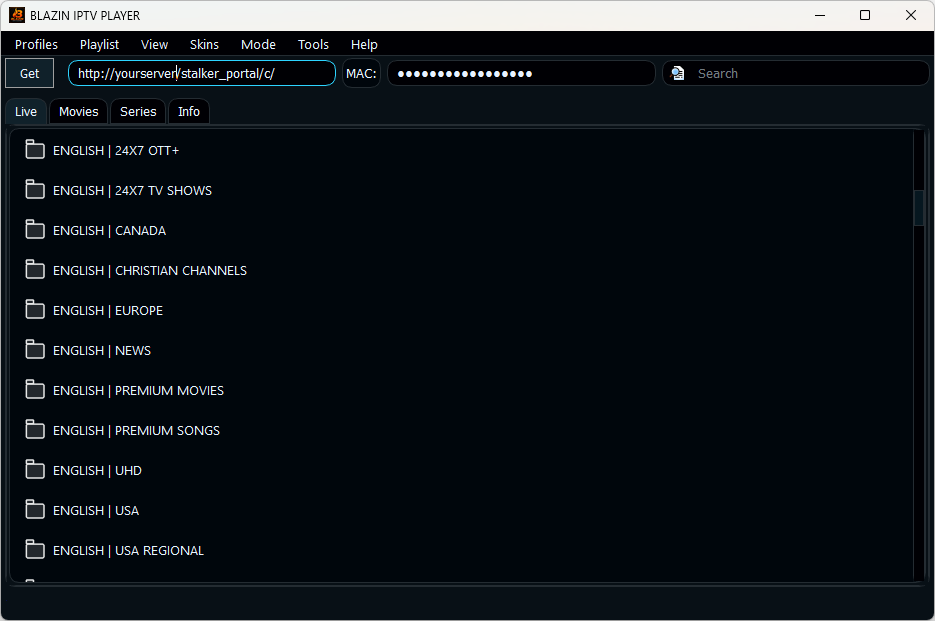
Browse source-provided groups and search large playlists instead of scrolling through every entry.
BLAZIN IPTV Player opens your own legal M3U playlist directly on a Windows PC. Load a local M3U file, remote M3U URL, M3U8 playlist or M3U Plus source, then browse compatible categories, Live TV, EPG, search, favorites, logos and artwork in a native Windows interface.
Current BLAZIN release • Version 1.1.18.0
The current release keeps the native M3U workflow while improving overall playlist navigation, Profile Manager behavior, and Movies/Series browsing in the Windows app.
Available groups, EPG, logos, and artwork still depend on the playlist data your source provides.
M3U on PC
BLAZIN supports the common playlist formats Windows IPTV users receive. Open a playlist saved on your PC or paste a remote URL supplied by your legal source. You do not need an Android emulator or mobile-first interface.
Playlist formats
| Format | What you use | Windows workflow |
|---|---|---|
| M3U file | A playlist stored on your PC. | Open the local file and browse its entries. |
| M3U URL | A remote playlist address. | Load the current playlist directly from the source. |
| M3U8 | A compatible playlist or stream list. | Open supported stream entries with the player. |
| M3U Plus | A source with expanded playlist metadata. | Use categories, artwork, Live TV, Movies or Series when compatible data is supplied. |
More than a playlist opener
Browse source-provided groups and search large playlists instead of scrolling through every entry.
Save frequently used items so they are easier to reach when you return to the playlist.
Display compatible guide information and channel logos when your source supplies them.
M3U vs Xtream Codes
If you receive a playlist file or URL, use M3U. If you receive a server URL, username and password, see the Xtream Codes IPTV Player for Windows guide. For TV guide features, see IPTV Player with EPG for Windows.
FAQ
Yes. BLAZIN can load a user-provided legal local M3U playlist on Windows 11 or Windows 10.
Yes. BLAZIN supports remote M3U URLs supplied by your legal source.
BLAZIN supports compatible M3U8 and M3U Plus workflows. Available metadata and sections depend on the source.
No. BLAZIN is player-only software. You provide your own legal playlist or source.
Microsoft Store
Install BLAZIN on Windows 11 or 10 and test your own legal M3U source.